![[Previous]](../prev.gif) |
![[Contents]](../contents.gif) |
![[Index]](../keyword_index.gif) |
![[Next]](../next.gif) |
|
|
|
|
 |
This version of this document is no longer maintained. For the latest documentation, see http://www.qnx.com/developers/docs. |
Audio mixer
mixer [-@] [-c card] [-m device] [-o display_level]
Neutrino
The mixer command starts the audio-mixer-control application:
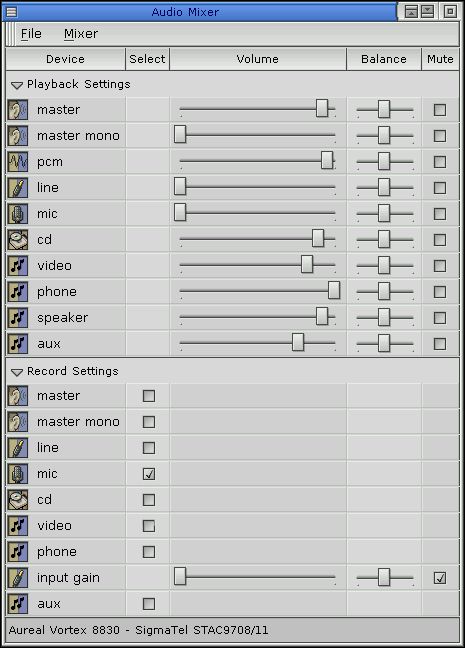
 |
The components of the mixer window depend on your system's hardware. |
The mixer uses the device /dev/snd/mixerCcardDdevice, where card and device are the values specified for the -c and -m options.
Start mixer for AuReal vortex 2:
mixer &
or, specifying the card and device explicitly:
mixer -@ -c 0 -m 0 &
|
|
|
|